USER GUIDE
We're updating this page regualrly. Return once in a while for newly revealed features.
Strapping / Unstrapping your Zealot
The Unique Core Strap and Quick-Release System
Core Strap + Quick Release System Diagram
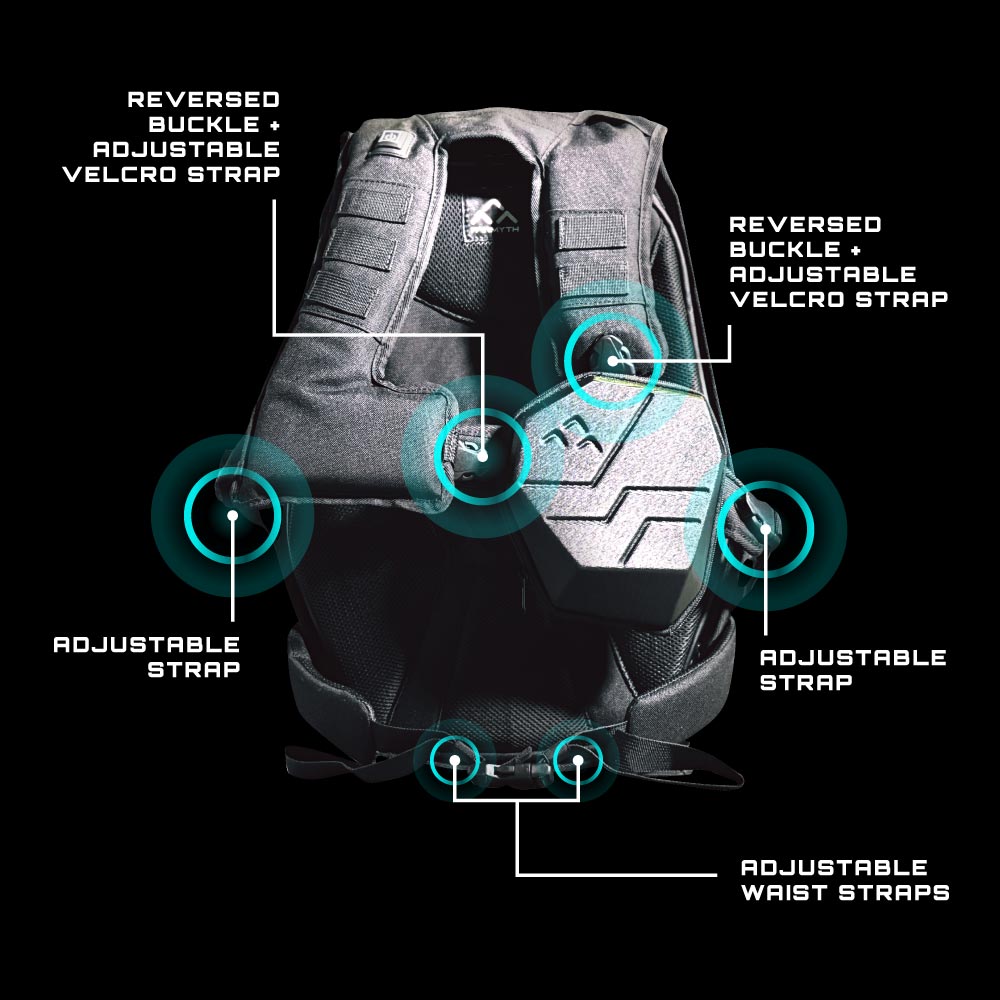
The Zealot backpack has multiple fit points to ensure a unique fit for every rider - even you.
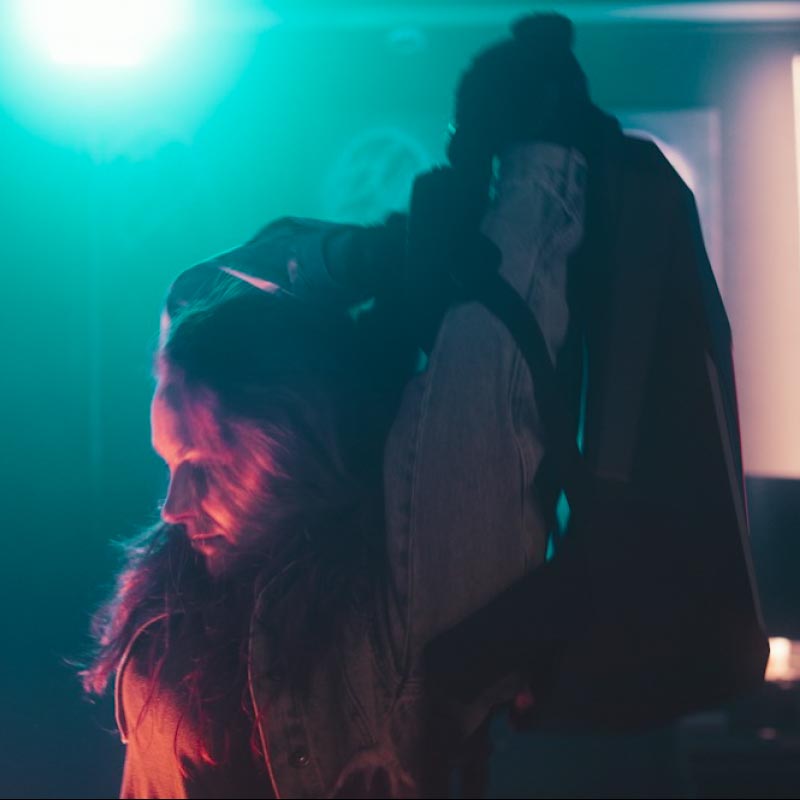
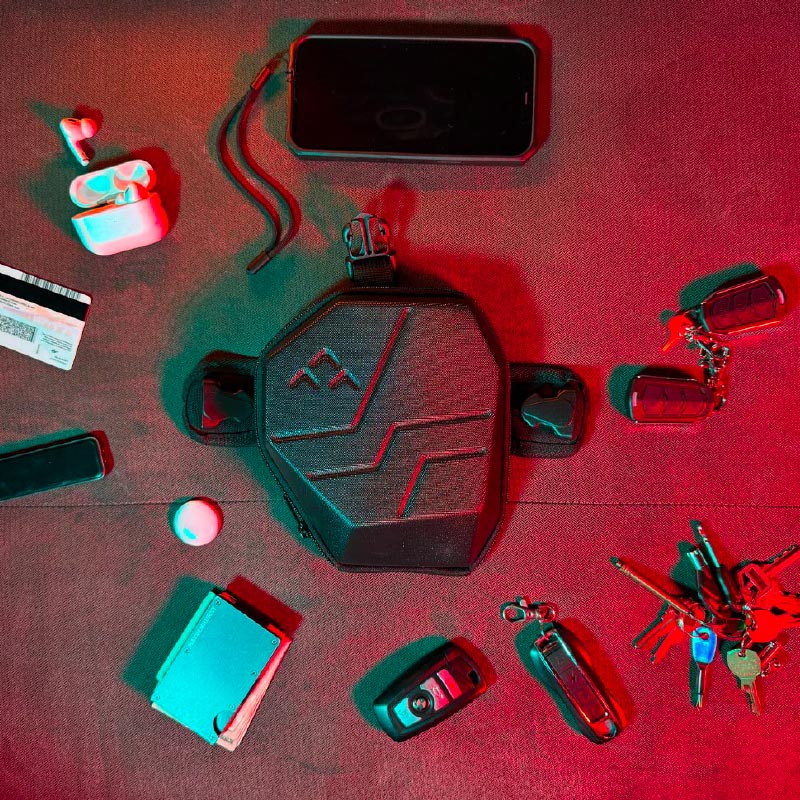
ACCESS YOUR CHEST STORAGE
- Locate the zipper slider behind your chest armor, and unzip it to reveal your accessible storage.
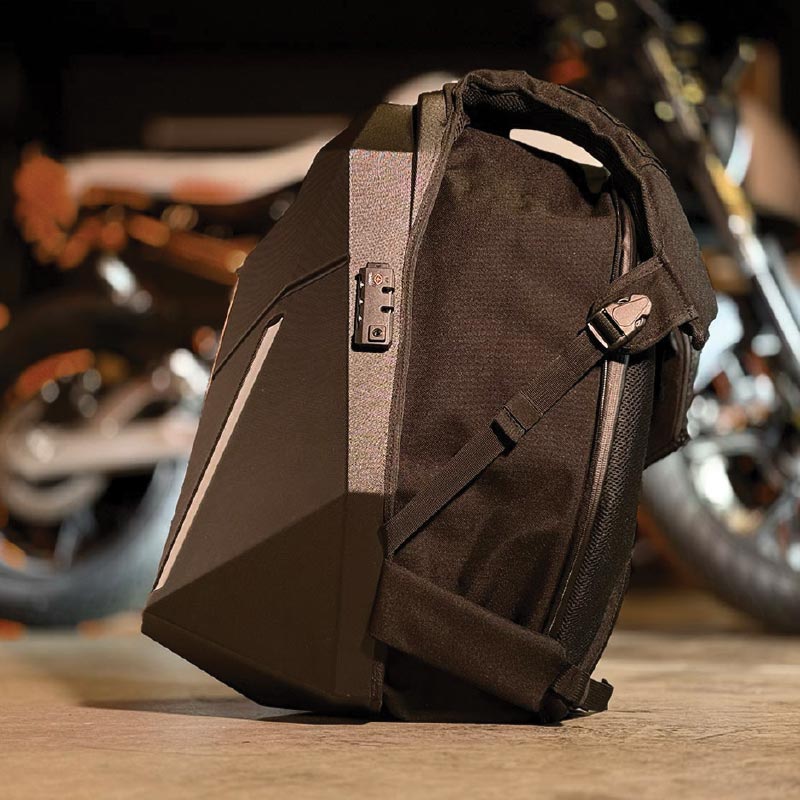
EXPANDING YOUR MAIN STORAGE
- Turn your Zealot backpack around to the back padding side. Locate the gusset zipper to the bottom right, and unzip its full circumference.
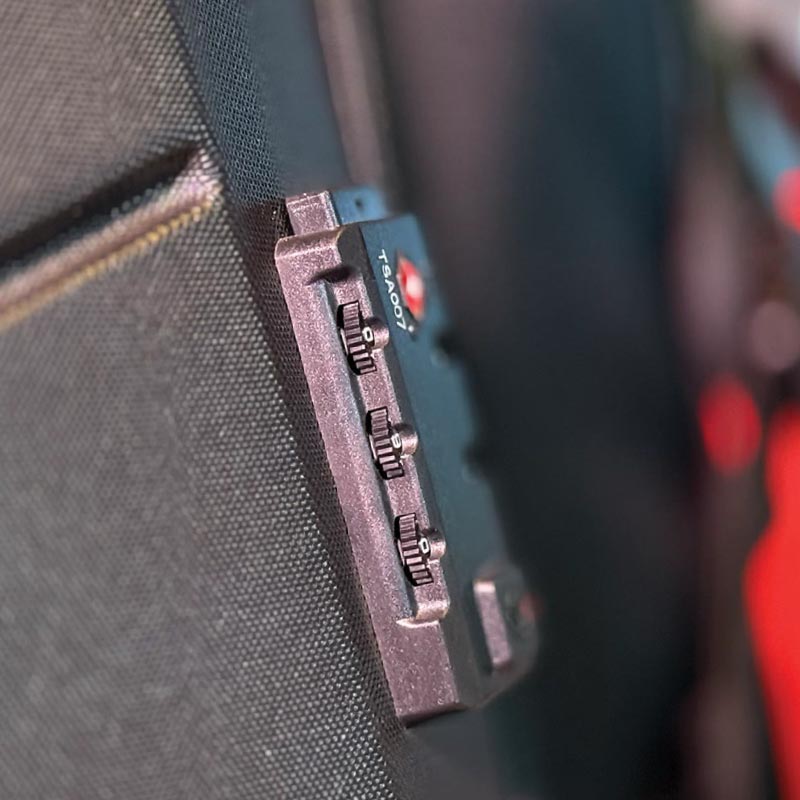
SETTING/RESETTING YOUR PASSWORD LOCK CODE
- Use a ballpoint to push in the reset button on the opposite side of the digit wheels. Then enter your new code.
USING YOUR TSA PASSWORD LOCK
- Zip your backpack shut, and move both zippers to the TSA lock side. Click in the sliders and enter your passcode.
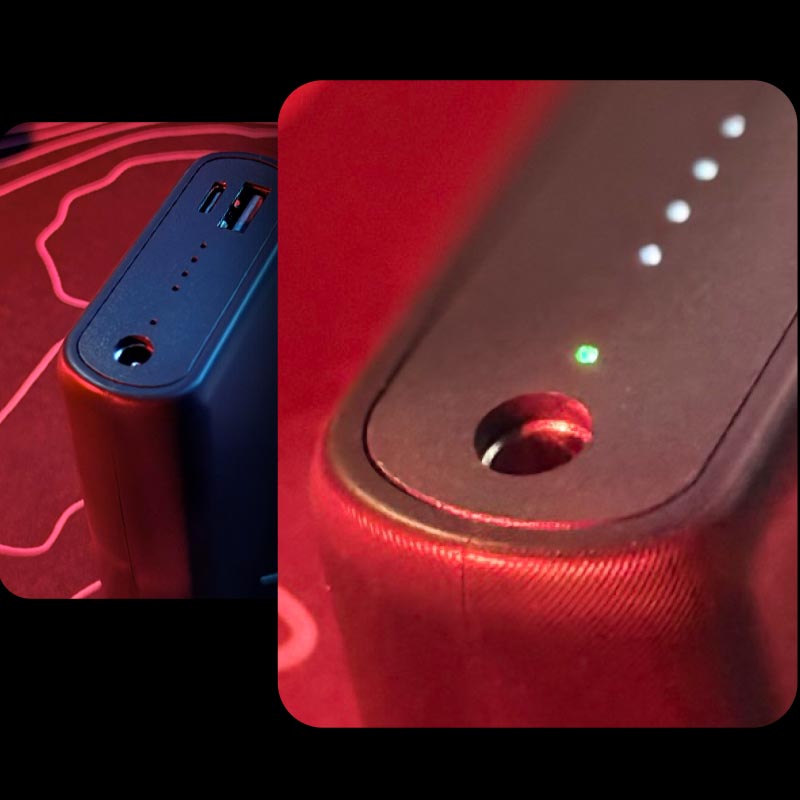
USING THE POWER BANK
- Power on: Hold the power button on the side of the power bank for 3 seconds until a green LED light appears.
- Power Off: Hold the power button for 2 seconds until the green light is off.
- Note: The power bank will shut off after 30 seconds to save power if the LED light bar is not turned on.
- Note 2: You can power your Zealot backpack with any 12V 2A powerbank with a 5521 hole.
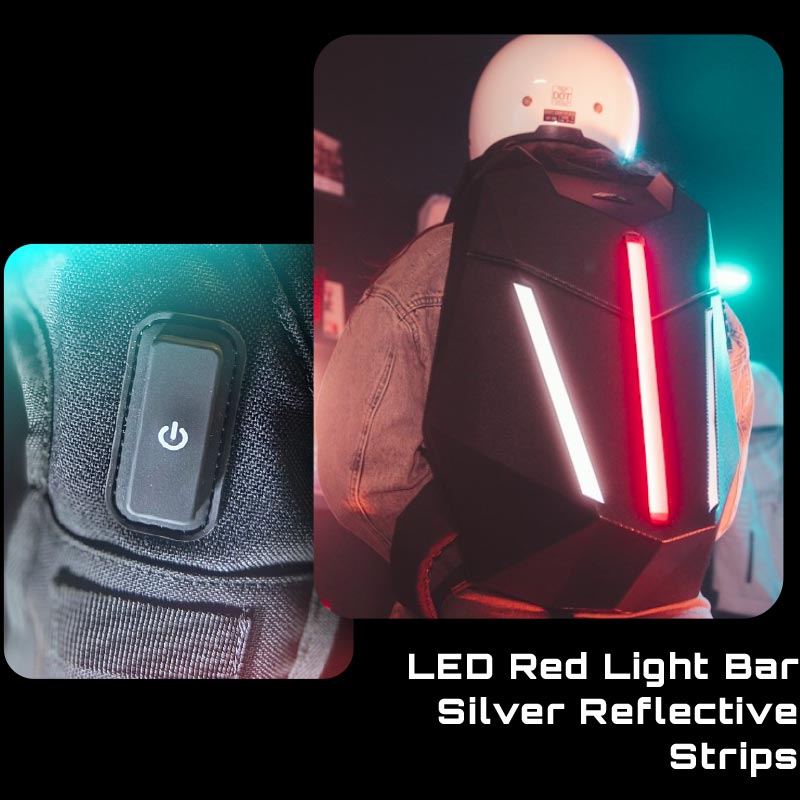
ACTIVATE YOUR LED LIGHT BAR
Click the power button located at the top of the right shoulder strap to turn on your LED ambient light bar. To turn it off, click again on the power button.
Note: Your power bank needs to be powered on before you can switch on your LED ambient light bar.